Paste a video link
Copy the link of a TikTok, Reel or YouTube video and paste it. No saving needed.
Paste a TikTok, Reel or YouTube video link, or upload the clip. Get the song name, artist and links in seconds.
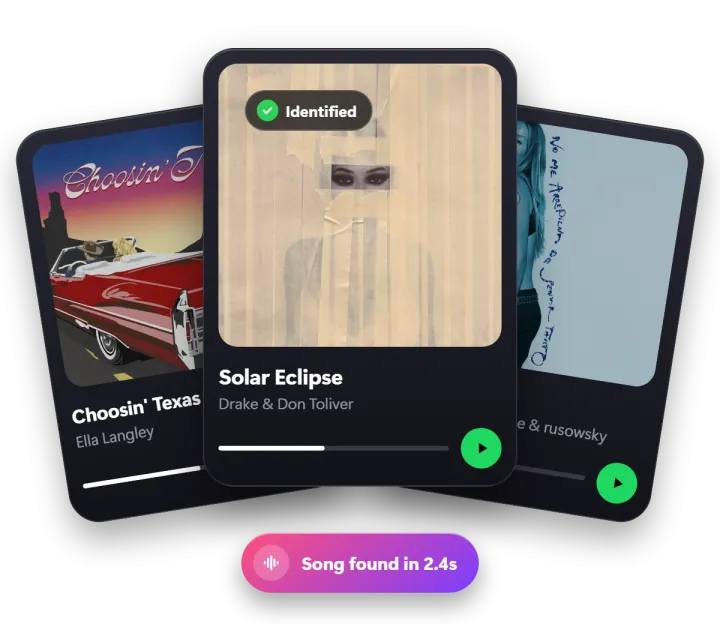
Three steps. Your first find needs no account.
Copy the link of a TikTok, Reel or YouTube video, or pick a saved video, screen recording or voice memo.
Only the music matters. We take a short audio sample and match it against millions of songs.
See the title, artist and album, play a 30-second preview, and open it in your favorite app.
No app to install. Open it, drop a clip, done.
Copy the link of a TikTok, Reel or YouTube video and paste it. No saving needed.
MP4, MOV, WEBM, even big files. Only the sound is used.
Music playing nearby? Hold your phone up for 12 seconds.
Play 30 seconds to be sure it’s the right song.
Straight to Spotify, Apple Music or YouTube.
Your video stays on your phone. Clips are deleted after.
Your first find is on us. No account needed.
$0sign in with Google
$1.99per month
Tap Share on the video, copy its link and paste it into FetchSong. You can also save the video and upload it. We pull out the sound and name the song in a few seconds.
Yes. Try your first find without an account, then sign in with Google for 5 free finds every day. Pro gives you 200 finds a day for $1.99 a month.
Yes. Paste the link to a YouTube video or Short, a TikTok or an Instagram Reel and FetchSong finds the song without you downloading it. Use the link to the video itself, not to a profile or channel.
Yes. Tap “Song playing nearby?”, hold your phone near the music for about 12 seconds, and we’ll tell you what it is.
Loud talking over the music, sped-up edits or very short clips can hide the song. Try “Scan whole clip” or start at a different second.
No. Your clip is turned into a short audio sample on your device, used once to find the song, and deleted right away.
MP4, MOV, WEBM, MP3, M4A and WAV. Clips from TikTok, Instagram Reels, YouTube Shorts, Snapchat, voice memos and more.
Paste the video link or upload the clip. Find out in seconds.
Upload a video