Search by link
Works with Facebook Reels, videos and share links like facebook.com/share/r/…
Find the song in a Facebook video or Reel by its link. Paste the Facebook URL and get the song name and artist in seconds.
No link? Upload the video
Free · No app · No sign-up for your first search
Works with Facebook Reels, videos and share links like facebook.com/share/r/…
The sound itself is matched, so it works when the Reel shows no song name.
Get the song name with links to Spotify, Apple Music and YouTube, plus a short preview.
Three taps from Facebook to the song name.
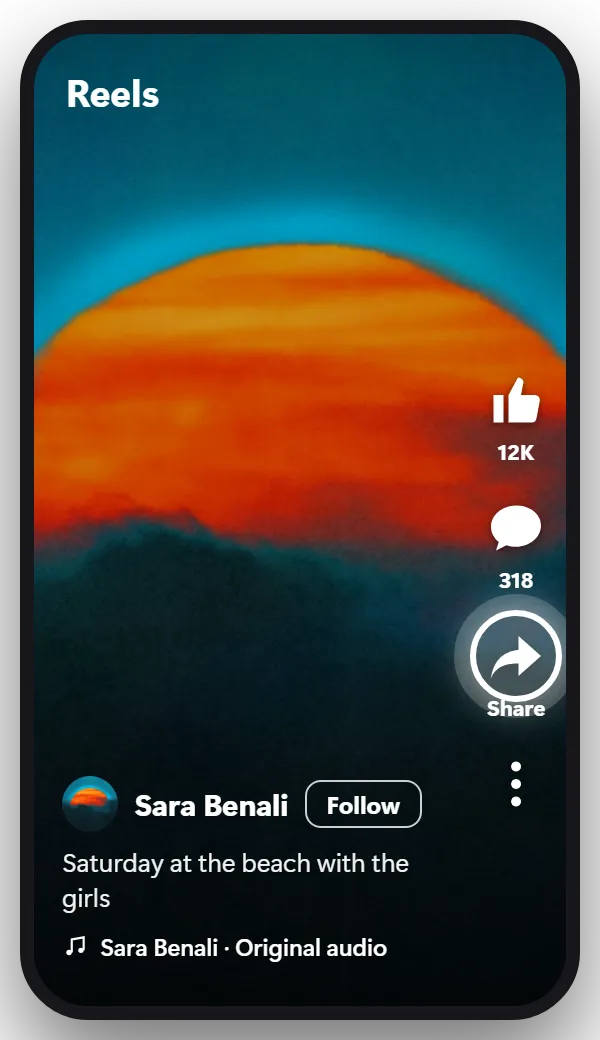
Open the video or Reel. On a Reel, Share is the arrow on the right side. On a regular video, it’s under the video, next to Like and Comment.
On a computer, click Share under the video.
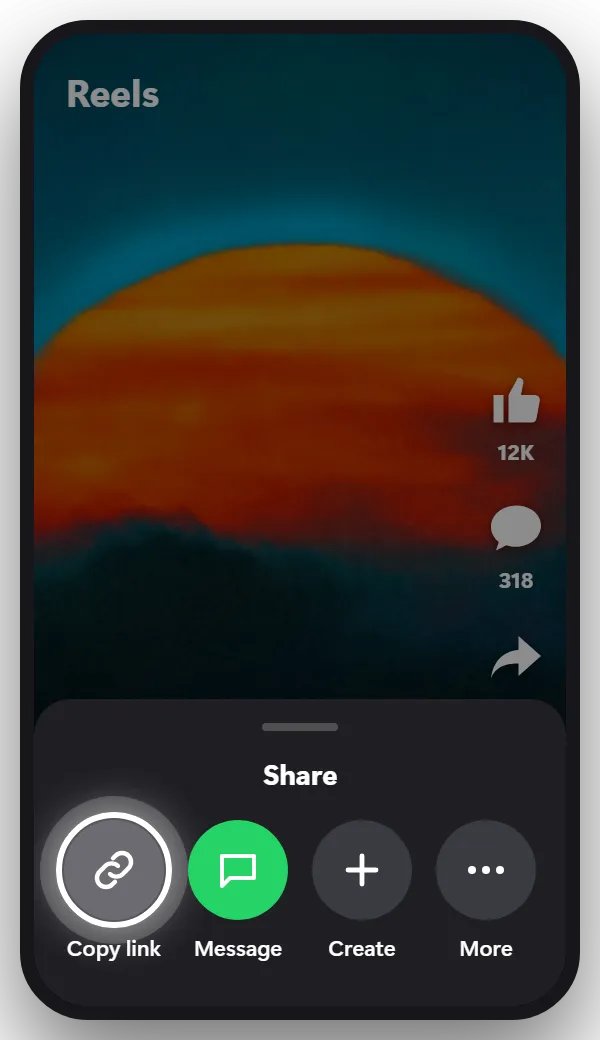
It’s in the share menu, usually in the first row. Short links like facebook.com/share/r/… work as they are.
Tip: Copy the link of the video itself, not the link of the page or profile that posted it.
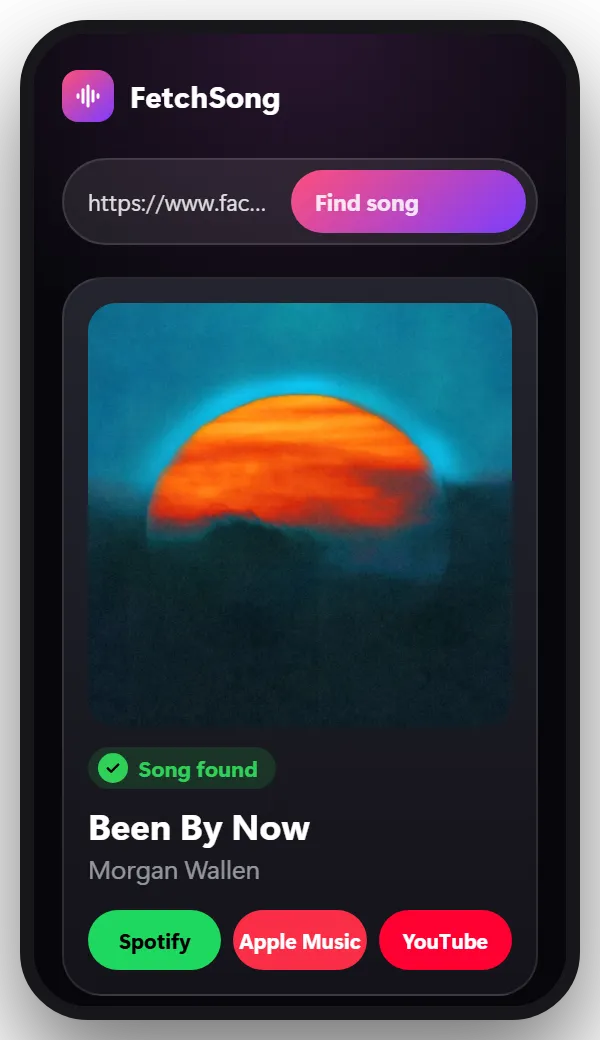
Come back to this page, paste the link in the box at the top and tap Find song. You’ll see the song name, the artist, a short preview and links to Spotify, Apple Music and YouTube.
Reels with music added in Facebook show the song at the bottom of the screen, next to a music note. Tap it to see the song and other Reels that use it.
Regular videos don’t show the music, and many Reels only say “Original audio”. That happens when the music was playing while the video was filmed, or was added in another app before posting. In both cases, paste the link here: the song is found from the sound itself.
Most links work on the first try. When one doesn’t, it’s usually one of these:
Yes. There’s no app to install. Your first search doesn’t need an account. After that, sign in with Google to get 2 free searches every day.
Yes. Tap the Share arrow on the Reel, copy the link and paste it here.
Yes. Click Share under the video, choose Copy link, and paste it in the box at the top of this page.
The music was recorded with the video or added in another app, so Facebook can’t name it. The song is still in the sound, which is what this finder matches.
No. We take a short piece of the sound, use it once to find the song and then delete it.
The song is somewhere else? There’s a finder for that too.
Paste the link and find out in seconds.
Paste a link