Spotlight links
Paste the link of a public Spotlight video. Nothing to download.
Find the song in a Snapchat Spotlight video by its link, or in any Snap or Story from a screen recording.
No link? Upload the video
Free · No app · No sign-up for your first search
Paste the link of a public Spotlight video. Nothing to download.
No link? Upload a screen recording. Only the sound is used.
Get the song name with links to Spotify, Apple Music and YouTube, plus a short preview.
Three taps from Snapchat to the song name.
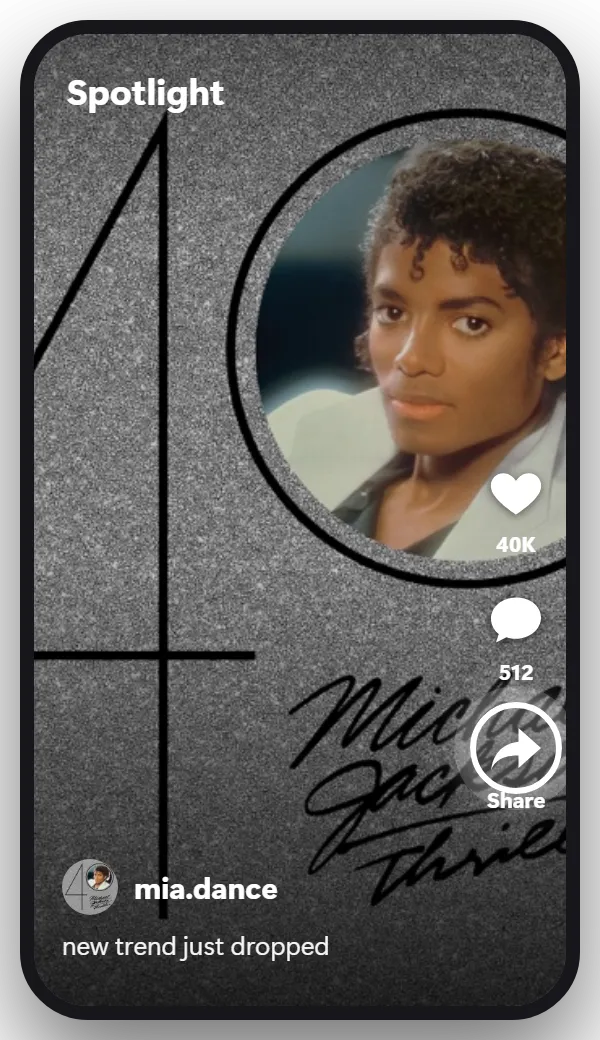
Open the Spotlight video and tap the share arrow on the right side.
Tip: For a Snap or a Story, record your screen while it plays instead, then use Upload the video.
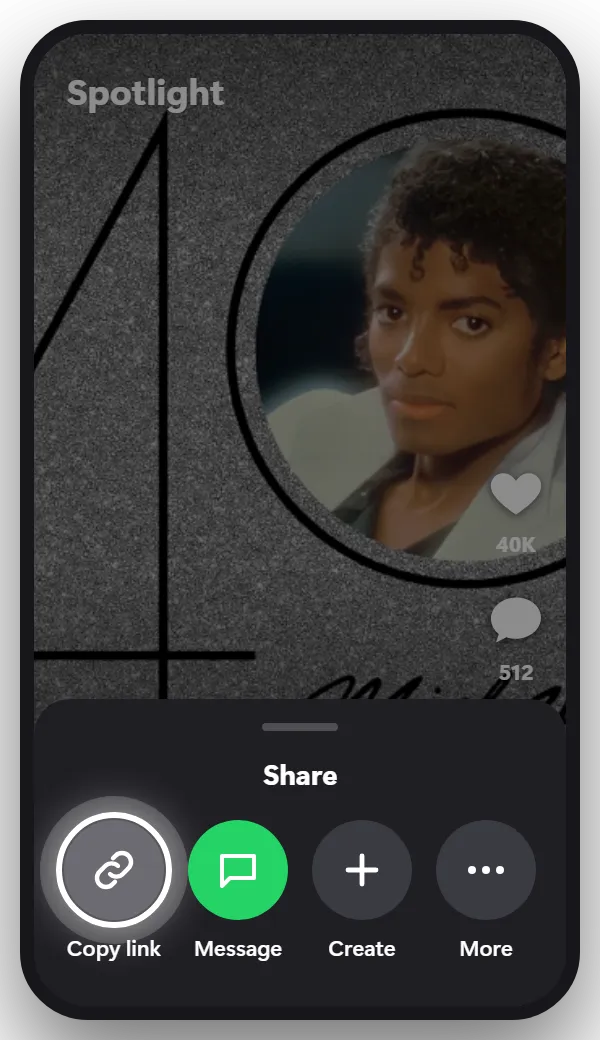
It’s in the row of options in the share menu. The link looks like snapchat.com/spotlight/…
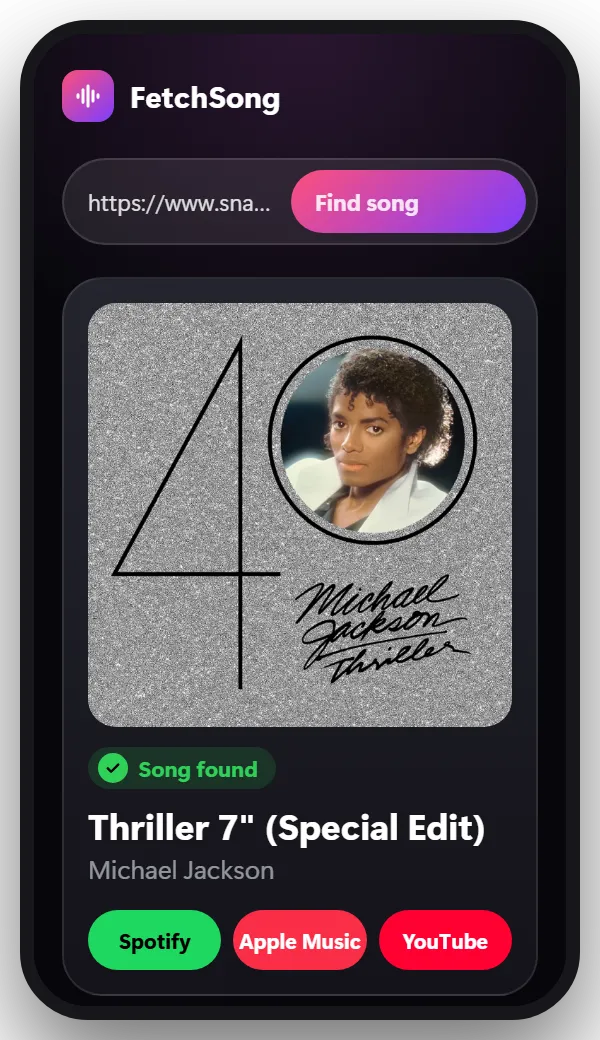
Come back to this page, paste the link in the box at the top and tap Find song. You’ll see the song name, the artist, a short preview and links to Spotify, Apple Music and YouTube.
Snapchat’s built-in music recognition works by listening through your phone’s microphone while you press and hold on the camera screen. It only hears music playing around you, so it can’t identify a song inside a Snap or a Spotlight video you’re watching, and it isn’t available in every version of the app.
For a song in a Spotlight video, paste its link here. For a Snap or a Story, record your screen while it plays and upload the recording: the song is found from the sound itself.
Snaps and Stories have no link you can copy, so a short screen recording works best:
Snapchat can let the sender know that you recorded their Snap, as it does with screenshots.
Yes. There’s no app to install. Your first search doesn’t need an account. After that, sign in with Google to get 2 free searches every day.
Yes, from a screen recording. Record the Story while the music plays and upload the recording.
For Snaps and chats, Snapchat can tell the sender, the same as with a screenshot. Spotlight videos can be shared with their link instead.
Yes. Tap the share arrow on the Spotlight video, copy the link and paste it here.
No. We take a short piece of the sound, use it once to find the song and then delete it.
The song is somewhere else? There’s a finder for that too.
Paste the link and find out in seconds.
Paste a link