Listens in your browser
No app to install. Allow the microphone once and hold your phone near the music.
What song is this playing? Let your phone listen for a few seconds, or upload an audio file, and get the song name and artist.
Start listeningHold your phone near the music for 12 secondsHave a recording? Upload an audio file
Free · No app · No sign-up for your first search
No app to install. Allow the microphone once and hold your phone near the music.
MP3, M4A and WAV files and voice memos work too.
Get the song name with links to Spotify, Apple Music and YouTube, plus a short preview.
Three steps from the music around you to the song name.
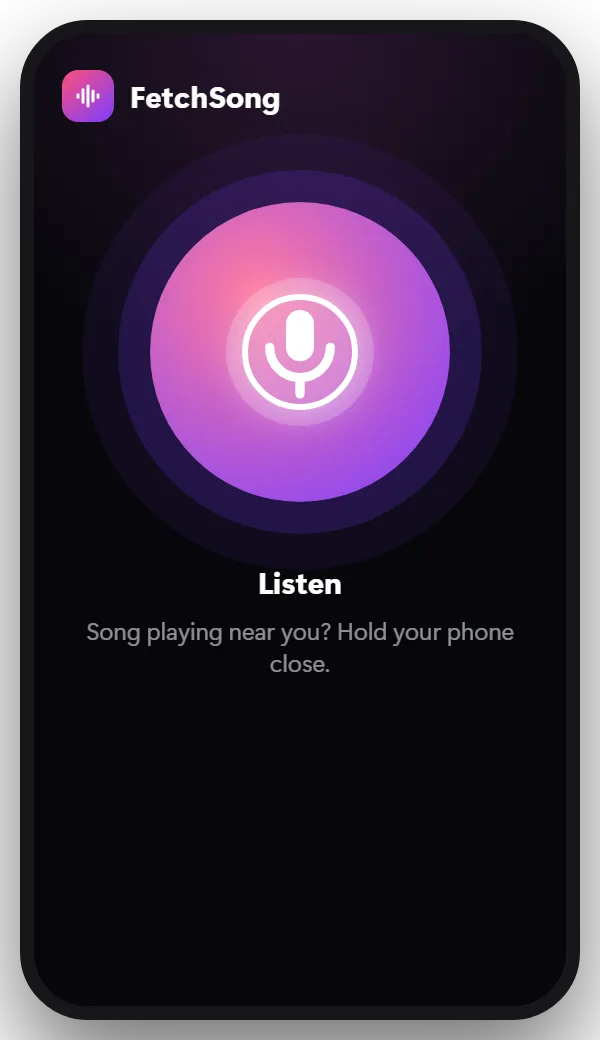
Open the finder and tap Listen. The first time, your browser asks to use the microphone.
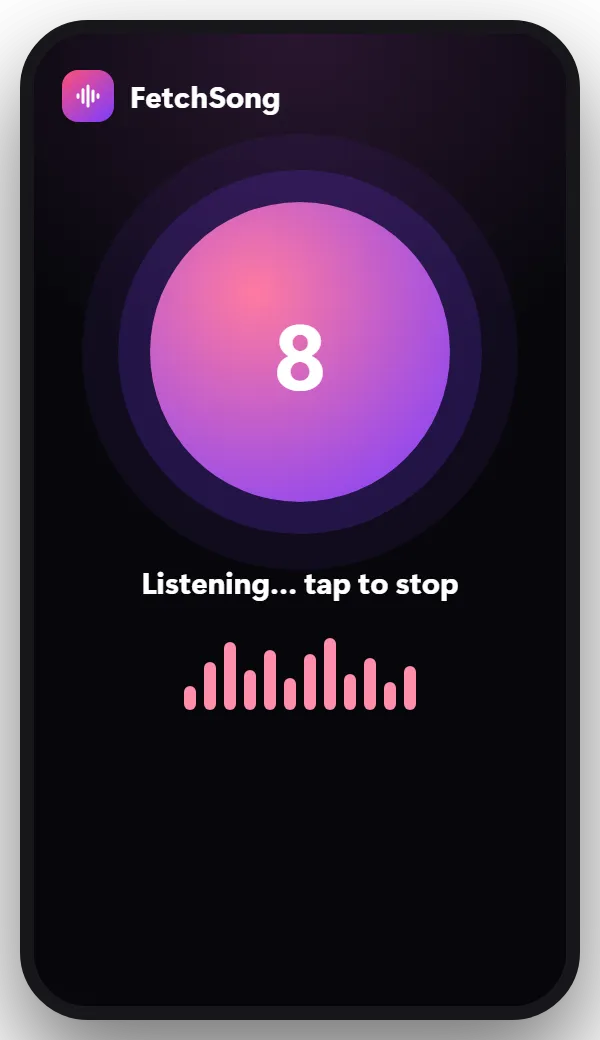
Keep it close to the speaker for about 12 seconds. The countdown shows how long is left.
Tip: Louder and closer is better. Try not to talk over the music.
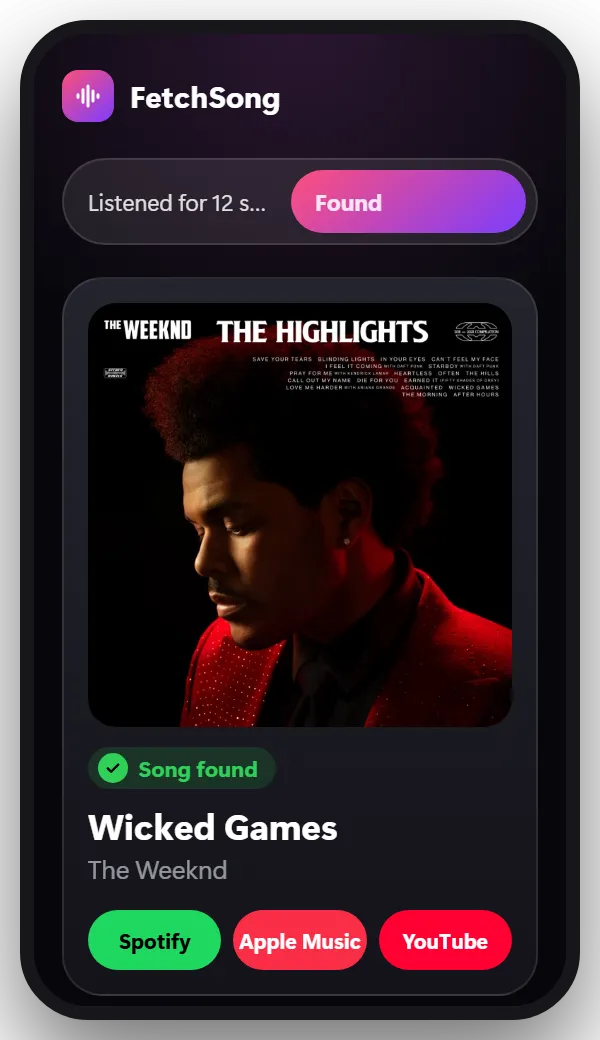
You see the song name, the artist, a short preview and links to Spotify, Apple Music and YouTube.
Most songs are found on the first try. When one isn’t, these help:
No. Song recognition matches recordings, so it needs the real song playing. For a melody you only remember, humming search in the Google app is the better tool.
If you remember a few words of the song, searching them in quotes on Google or on a lyrics site usually finds it.
Yes. There’s no app to install. Your first search doesn’t need an account. After that, sign in with Google to get 2 free searches every day.
Yes, in Safari, Chrome and most phone browsers. Allow the microphone when your browser asks.
To hear the song playing near you. It only listens while the countdown runs, after you tap Listen.
No. A short piece of the sound is used once to find the song, then deleted.
Yes. Voice memos and audio files like MP3, M4A and WAV work. Use the upload button at the top of this page.
The song is somewhere else? There’s a finder for that too.
Let your phone listen and find out in seconds.
Start listening